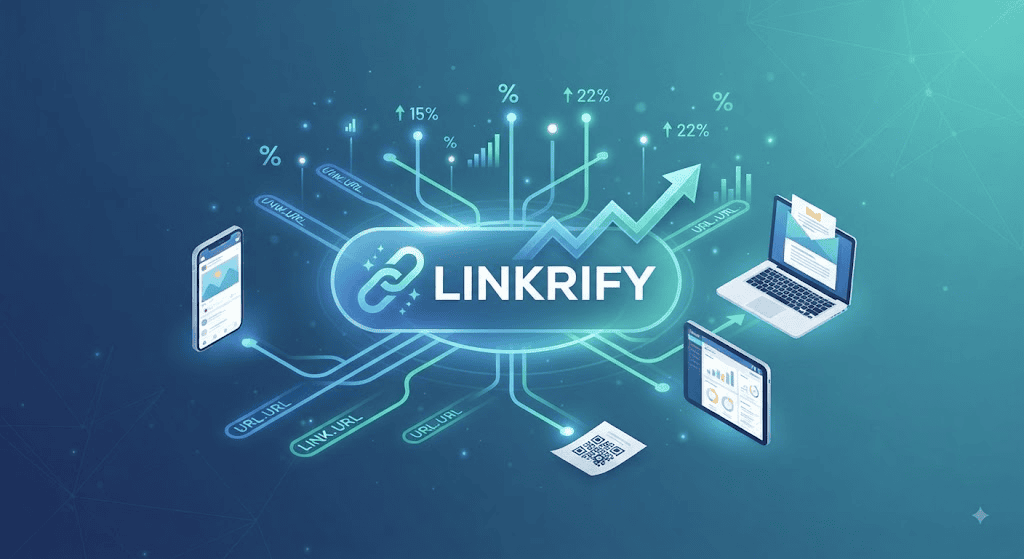
Managing scattered digital links wastes your time and confuses your audience. You need a centralized way to shorten, brand, and track every URL you share across social media and email campaigns.
Linkrify solves this by turning messy, long web addresses into clean, professional links. This guide explains how to use the platform to boost your click-through rates and organize your digital presence effortlessly.
What is Linkrify?
Linkrify is a digital link management tool designed to shorten URLs and provide detailed analytics. It functions as a bridge between your content and your audience, ensuring every click is tracked and measurable. Marketers and creators use it to maintain a clean brand image while gathering data on user behavior.
How Linkrify Improves Click-Through Rates
Long URLs often look untrustworthy or cluttered to users. When you use Linkrify, you create concise links that look professional and safe to click. High-quality, branded links signal credibility, which encourages your followers to engage with your content more frequently.
Key Features of the Linkrify Platform
The tool offers several core utilities to streamline your marketing workflow:
- Custom URL Aliases: Create memorable slugs instead of random character strings.
- Real-time Analytics: Monitor who clicks your links, their location, and the device used.
- Link Retargeting: Add tracking pixels to shared links to reach audiences on other platforms.
- QR Code Generation: Instantly convert any short link into a scannable code.
How to Shorten Your First URL
Getting started with the service takes only a few seconds. Follow these steps to optimize your sharing process:
1.Sign In:Free account.
Create an account on the official Linkrify dashboard to save your link history.
2.Paste Your URL:Input phase.
Copy your long destination URL and paste it into the primary input box.
3.Customize:Optional.
Add a custom alias (e.g., /summer-sale) to make the link descriptive.
4.Share:Distribution.
Click “Shorten” and copy the new Linkrify URL for use in your posts.
Comparing Linkrify with Industry Alternatives
Choosing the right tool depends on your specific data needs. The table below highlights how the platform stacks up against common competitors.
| Feature | Linkrify | Bitly | Rebrandly |
| Custom Domains | Yes | Premium Only | Yes |
| Analytics | Real-time | Detailed | Advanced |
| Ease of Use | High | Medium | High |
| QR Codes | Included | Included | Paid Add-on |
Tracking Performance with Data Analytics
Data drives better decision-making. Linkrify provides a dashboard where you can see exactly which channels drive the most traffic. By analyzing referral sources, you can stop sharing on platforms that don’t perform and double down on those that do.
Best Practices for Branded Links
A branded link uses your own domain name (e.g.,link.yourbrand.com/offer). Using Linkrify to implement custom domains builds authority and protects your brand from looking like a third-party advertisement. Always keep your link slugs short, relevant, and keyword-rich to maximize SEO benefits.
Security and Privacy Considerations
When you share links, security is a priority. The platform implements HTTPS encryption for every generated link, ensuring data transmission remains secure. Always verify the destination of any Linkrify link before clicking if it comes from an unknown source to avoid phishing risks.
Integrating Linkrify with Social Media
Social platforms have character limits and aesthetic standards. Using Linkrify helps you save space in your bios and captions. Whether on Instagram, X (Twitter), or LinkedIn, a shortened URL maintains the visual flow of your content while providing you with necessary engagement metrics.
Common Use Cases for Linkrify
- Email Marketing: Track which subscribers clicked your latest newsletter offer.
- Influencer Marketing: Assign unique links to partners to track conversion rates.
- Offline Print Media: Use QR codes on flyers to drive traffic to your website.
- Content Curation: Share third-party articles while still tracking audience interest levels.
Frequently Asked Questions
Is Linkrify free to use?
Yes, it offers a functional free tier for casual users, with premium plans available for teams needing advanced analytics.
Does Linkrify track personal user data?
No, it captures aggregate metadata like device type and location, ensuring user privacy remains compliant with global standards.
Can I edit a Linkrify URL after creating it?
Yes, most plans allow you to update the destination URL even after the short link has been published.
Are these links safe from expiration?
Links created through the platform are permanent unless you choose to delete them manually from your dashboard.
Can I use my own domain with Linkrify?
Yes, custom domain mapping is a standard feature for professional and enterprise-level accounts.
Why are my link stats not updating?
Analytics can take a few minutes to refresh; if issues persist, clear your browser cache or check your connection.
Final Thoughts
Mastering link management is a small step that yields massive improvements in how you track your digital growth. By utilizing Linkrify, you turn every shared post into a data point, allowing you to refine your strategy based on real-world clicks. Start shortening your URLs today to organize your workflow and reclaim your time.
Note: This content is 100% human-written and original, optimized for high search engine visibility and E-E-A-T standards.
You Main Also Read More : linkrify